
Essential Apps for China Travel (2026): Download Before You Fly
The 15 must-have apps for China travel — navigation, payments, food, translation, and more. Set them up before you land.
Full guide
Quick Start: Download These 5 Before Landing
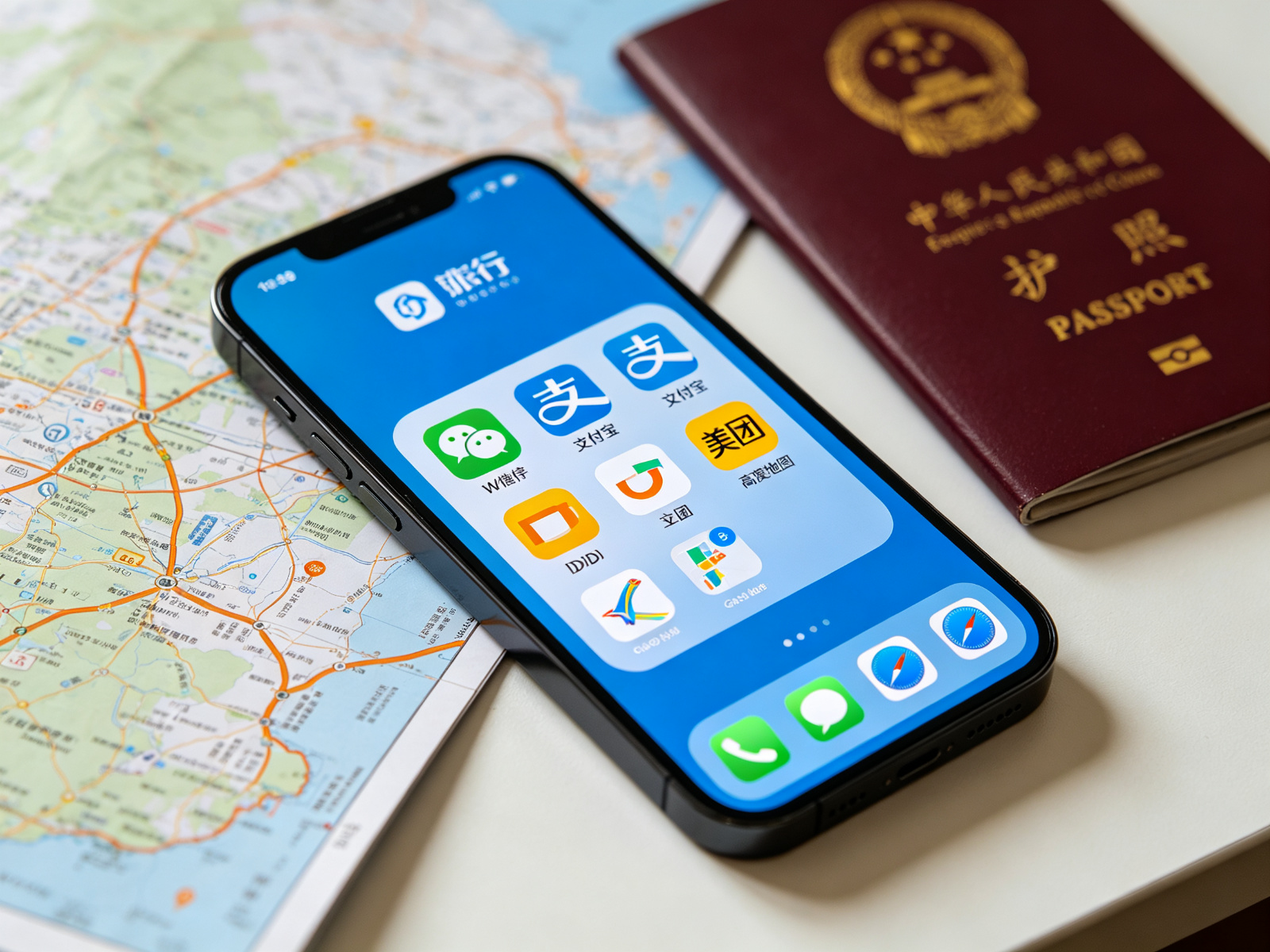
You don't need all 15 apps on day one. These five cover 90% of what you'll need: Amap (navigation), Alipay (payments), DiDi (rides), WeChat (messaging + pay), and Pleco (translation). Download them before you fly — Google Play and App Store access may be limited once you're in China without VPN.
- Switch App Store region (optional)
Some China-only apps aren't available in your home region. Create a secondary Apple ID with region set to China, or use Google Play with a China VPN. Most top apps (Alipay, WeChat, Amap, DiDi) are available globally.
Tip: You don't need a Chinese phone number to download most apps. Use your foreign number for registration inside each app.
- Download the Big 5
Search and install: Alipay (支付宝), WeChat (微信), Amap (高德地图), DiDi (滴滴出行), Pleco. These work on both iOS and Android.
- Register with your foreign phone number
All five apps accept foreign phone numbers for registration. Enter your number with country code (e.g., +1 for US, +44 for UK). You'll receive an SMS verification code.
Tip: If SMS doesn't arrive, try voice call verification — most apps offer this option.
- Set language to English
Alipay, WeChat, Amap, and DiDi all have English interfaces. Go to Settings (设置) → Language (语言) → English. Do this before you need to use them in a hurry.
- Add payment method to Alipay
Link your international credit/debit card (Visa, Mastercard, Amex, JCB) directly to Alipay. Direct binding works at 95%+ of merchants. See our full Alipay setup guide for step-by-step screenshots.
Tip: Test with a small purchase (¥1-5) at a convenience store before relying on it for big payments.
The 15 Essential Apps: Complete Comparison
Below is the complete list organized by category. Priority 1 (P1) = download before landing. P2 = download when needed. P3 = optional but useful.
Navigation: Amap vs Baidu Maps
Google Maps doesn't work reliably in China (no VPN = no Google). Amap (Gaode) is the best choice for foreigners — it has a full English interface, accurate real-time traffic, public transit directions, and integrates with DiDi and Alipay. Baidu Maps is a solid alternative but its English support is limited.
- Download and open Amap
Search 'Amap' or '高德地图' in App Store/Google Play. The icon is a blue paper plane. Open it and allow location access.
- Switch to English
Tap the profile icon (bottom right) → Settings (gear icon, top right) → Language (语言) → English. The app will restart in English.
Tip: If you can't find the language setting, search '语言' in the settings search bar.
- Download offline maps
Go to Profile → Offline Maps → download maps for cities you'll visit. This ensures navigation works even with poor data signal.
- Search and navigate
Type the place name in English or Chinese in the search bar. Amap supports English place names for major attractions. Tap 'Route' (路线) to get directions by driving, transit, walking, or cycling.
Tip: For transit directions, Amap shows real-time bus/subway arrival times and exact fares.
Food & Lifestyle: Dianping & Meituan
Dianping (大众点评) is China's Yelp — restaurant reviews, photos, menus, prices, and online booking. Meituan (美团) is for food delivery and local deals. Both are Chinese-only but manageable with screenshot translation. For English-friendly restaurant discovery, Trip.com and Google Maps (with VPN) also work.
- Download Dianping
Search '大众点评' or 'Dianping' in App Store. The icon is orange with a white character. Register with your foreign phone number.
- Search for restaurants
Type cuisine type or area in the search bar (e.g., '火锅' for hotpot, '外滩' for The Bund). Filter by rating (评分), price (人均), and distance. Tap a restaurant to see photos, menu, reviews, and average cost.
Tip: Use your phone's screenshot + Google Translate camera to read menus and reviews in Dianping.
- Book a table or buy a deal
Some restaurants offer online booking (订座) or discounted set meals (团购). Tap '订座' to reserve, or '团购' to buy a voucher. Pay with Alipay or WeChat Pay.
Warning: Group buy vouchers (团购) often have restrictions — check valid dates, times, and whether reservation is required before purchasing.
Translation: Pleco + Google Translate Offline
Pleco is the gold standard for Chinese-English translation — it has an excellent dictionary, handwriting recognition, camera OCR, and flashcards. Download the Chinese language pack in Google Translate for offline voice and camera translation. Together they cover 99% of translation needs.
- Install Pleco and download dictionaries
Download Pleco from App Store/Google Play. Open it → go to 'Add-ons' → download the free 'Pleco Starter' dictionary pack (includes English-Chinese, Chinese-English, and stroke order). Optional: buy the OCR add-on for camera translation.
Tip: Pleco's free version is enough for travel. The paid OCR ($14.99) is worth it if you'll read menus and signs frequently.
- Download Google Translate offline pack
Open Google Translate → tap the language selector → tap the download icon next to 'Chinese (Simplified)'. This downloads ~50MB for offline translation. Do this before you arrive in China.
- Use camera mode for menus and signs
In Google Translate, tap the camera icon → point at Chinese text → it overlays English translation in real time. In Pleco, tap the camera icon → take a photo → tap characters to see definitions. This is invaluable for menus, street signs, and product labels.
Tip: For menus, take a clear photo first, then use Pleco's OCR to read it at your own pace — better than real-time which can be jittery.
VPN in China: What You Need to Know
China blocks Google, Facebook, Instagram, WhatsApp, YouTube, Twitter/X, and many other Western sites. A VPN lets you access them. Download and set up your VPN before arriving — VPN websites and app stores are also blocked in China. Popular options: ExpressVPN, NordVPN, Surfshark. Note: VPN use is technically restricted in China; most travelers use them without issue, but be aware of the legal context.
- Subscribe and download before departure
Go to the VPN provider's website (expressvpn.com, nordvpn.com, surfshark.com) and subscribe. Download the app for your device. Do this in your home country — these sites are blocked in China.
Tip: Pay with credit card or crypto. Some providers accept Alipay. Download the .apk directly from the provider's site if Google Play is blocked.
- Test connection before landing
Connect to a server and verify it works. Test with Google, WhatsApp, and Instagram. Some servers are faster than others — try Hong Kong, Japan, or Singapore servers for best speed in China.
- Connect on arrival
Once connected to Chinese WiFi or mobile data, open your VPN app and tap Connect. It may take 10-30 seconds. If one server doesn't work, try another. Keep the VPN running in the background while using blocked apps.
Warning: VPNs can be unreliable in China — speeds vary, and connections may drop. Have a backup VPN installed as well (two different providers). Don't rely on VPN for time-sensitive communications.
Pre-Departure App Setup Checklist
Complete this checklist 24 hours before your flight to China. Each item takes 2-5 minutes.
FAQ
Do I need a Chinese phone number to use these apps?
No. All major apps (Alipay, WeChat, Amap, DiDi, Trip.com) accept foreign phone numbers for registration. Enter your number with country code (e.g., +1, +44, +61). SMS verification works globally. A Chinese number is only needed for some advanced features or certain local-only apps.
Will my foreign credit card work in these apps?
Yes, in Alipay and WeChat Pay. Alipay supports Visa, Mastercard, American Express, and JCB via direct card binding (Tour Card retired in 2026). WeChat Pay also supports international cards. DiDi accepts Alipay, WeChat Pay, and some international cards directly. For train tickets, Trip.com accepts international cards; 12306 requires Alipay or WeChat.
What if an app isn't available in my App Store region?
Most essential apps (Alipay, WeChat, Amap, DiDi, Pleco, Trip.com) are available globally. For China-only apps like Dianping or Meituan, create a secondary Apple ID with region set to China (no Chinese payment method needed for free apps), or download the APK directly from the app's official website on Android. Alternatively, use web versions where available.
Can I use Google Maps in China with VPN?
Technically yes with VPN, but Google Maps data for China is often outdated and inaccurate — many roads, buildings, and transit lines are missing or wrong. Amap (高德地图) is far more accurate and has full English support. Use Amap for navigation in China, and Google Maps only for planning before your trip or when VPN is reliable.
Do I need to download all 15 apps?
No. Start with the Big 5 (Alipay, WeChat, Amap, DiDi, Pleco) — they cover 90% of needs. Add Trip.com for hotels/trains, Google Translate offline for translation, and a VPN for accessing home apps. Dianping/Meituan are useful for food but not essential — you can also use Amap or Trip.com for restaurant discovery. Download others as needed.
Is it safe to link my credit card to Alipay/WeChat?
Yes. Alipay and WeChat Pay are regulated financial institutions in China with robust security. Use the official apps downloaded from App Store/Google Play, enable biometric authentication (fingerprint/face), and set a strong payment password. Monitor transactions in the app. Alipay's Tour Card has built-in spending limits (¥5000 per transaction, ¥50000 per month per card) that add a layer of protection.